Optimizing your Shopify store images: where to start
Part of the work is already done by Shopify. Another part will never happen without you. Here is how to sort them out.
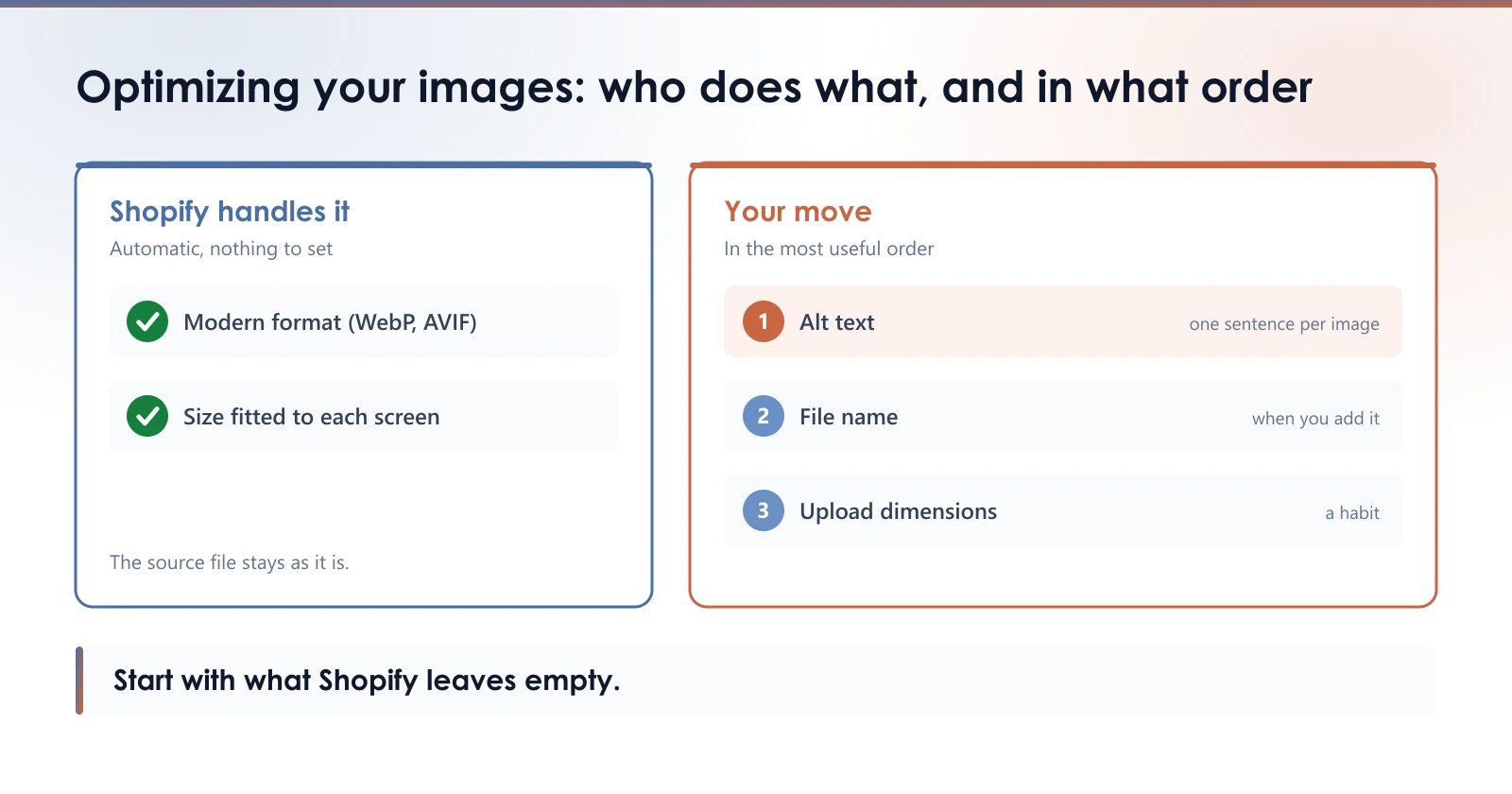
“Optimizing images” sounds like a single task. On a Shopify store, it is five, and they do not take the same effort or the same time. Some of it is already done by Shopify without you asking. Some of it will never get done unless you do it. This guide sorts them out, so your first hour goes to the right place.
What Shopify already does for you
When a visitor opens a product page, Shopify does not send them your file as you uploaded it. Its CDN serves a resized version that fits the space your theme gives the image, in a modern format such as WebP or AVIF when the visitor’s browser can read it. There is nothing to set: it is the platform’s default behavior, covered in our article on WebP, JPEG and PNG.
What the CDN does not do: it does not read what the image shows. It does not know your photo is a brown leather boot, and it will not write that anywhere for you. Everything that describes the image is up to you.
The five jobs, and who handles them
| Job | Who handles it | What it asks of you |
|---|---|---|
| Format served to the visitor | Shopify, automatically | Nothing |
| Display size for each screen | Shopify, automatically | Nothing |
| Dimensions of the uploaded file | You | A habit when you add it |
| Alt text | You | One sentence per image |
| File name | You | A descriptive name, ideally when you add it |
The first two rows are taken care of. The last three are where your store stands out from another one, or does not.
Where to start
If you have an hour, the most useful order is almost the reverse of what most image apps put forward.
1. Alt text on your best sellers. It is the only one of the five jobs that serves both shoppers using a screen reader and image search, and it is a field Shopify leaves empty. One sentence describing what you see is enough. Our alt text guide has examples.
2. The name of new images. Renaming a file that is already live changes its address, and the old one stops working, as the article on file names explains. The most rewarding habit is to name what you add from today on: brown-leather-boot.jpg rather than IMG_4471.jpg.
3. The dimensions of what you upload. Not too small for zoom, not oversized. The guide on product image size gives the benchmarks.
4. Format, last. It is the job Shopify already covers best. Check it before paying someone to do it for you.
The real cost, once you do the math
Alt text is the most useful of the five jobs, and also the longest. A store with 300 products and three photos each has 900 images. At one sentence per image, written and proofread, that is several days of work, and it starts again with every new arrival.
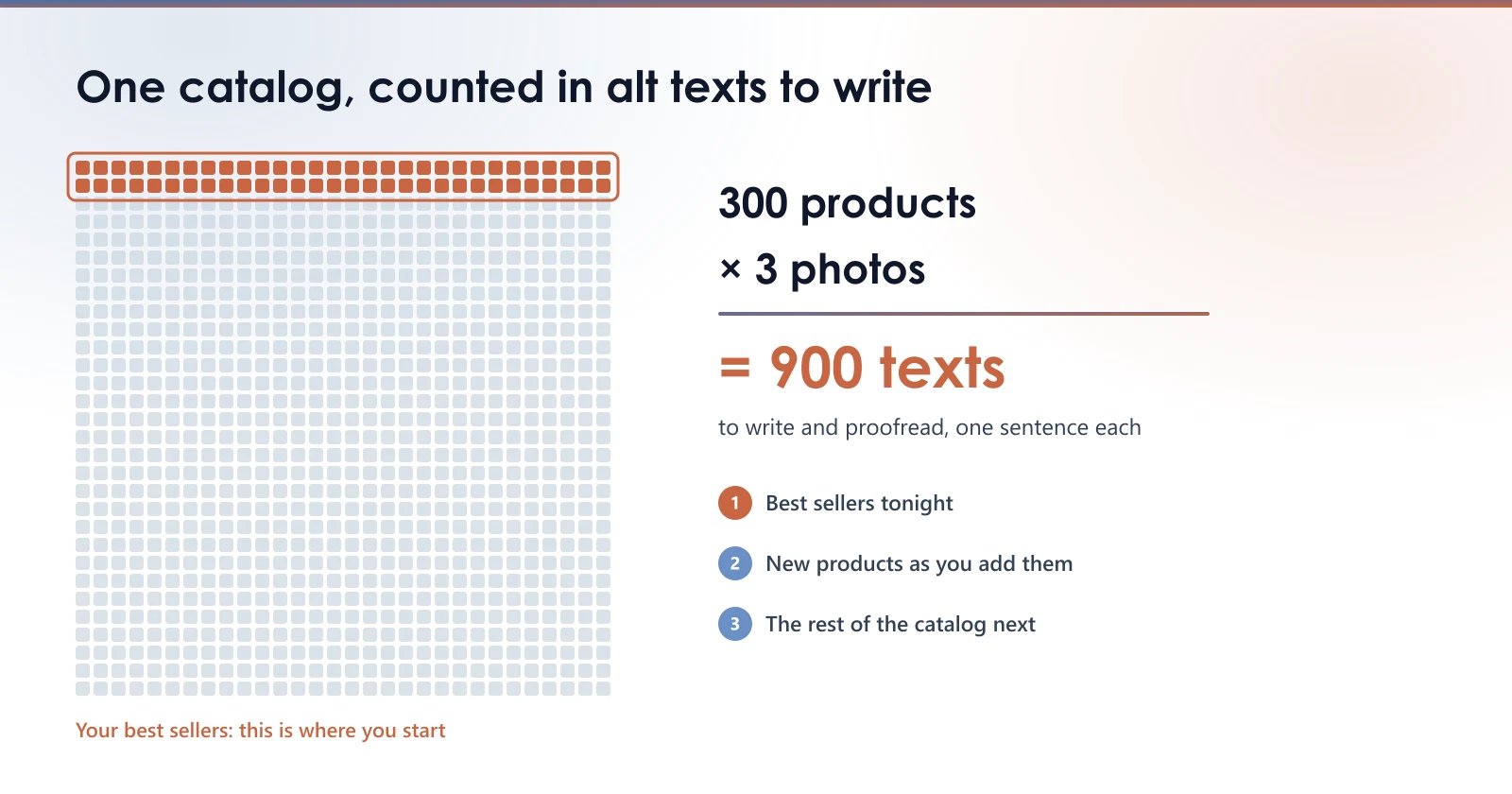
That is why it is better to start with your best sellers than with the top of the catalog: twenty well described product pages do more for you than nine hundred half done. To get to the end without spending your evenings on it, the guide to handling a whole catalog details the method.
Where PixelUnik comes in
PixelUnik writes alt text from what the image shows, and saves it in the field Shopify provides for it. One description costs one token. The Starter plan includes 100 a month and handles one image at a time; the Growth plan includes 1,500 and handles the whole catalog in one run. For the 900 images in the example, Starter takes nine months, Growth takes one.
The same plans rename files with a descriptive name and write the SEO title and meta description of your product pages. Renaming a whole catalog at once is reserved for the Growth plan.
Check your store, in one minute
Open your best selling product in the Shopify admin, click its first image and look at the alt text field. If it is empty, that is where optimizing your images starts, before anything else.
Measure your own images
The free audit reads your store and gives you the real weight of your product images, with nothing to install.
Run the free auditStarter plan
- 100 tokens a month
- AI alt text, one image at a time
- SEO titles, meta descriptions and file names
- Originals preserved
Start with 30 free tokens, then pick a plan if the app is useful to you.
Read next
- Alt text for a whole Shopify catalogue: where to startNine hundred photos, nine hundred alt texts. The order that pays off first, one template per photo type, and the traps specific to catalogues.
- WebP, JPEG or PNG: which one for ShopifyThree formats, three uses that do not overlap. The wrong pick doubles a product page weight without anyone noticing.
- The filename of your Shopify product imagesShopify has no way to rename an image once it is uploaded, and a renamed image gets no redirect. What is worth fixing, and what is not.