PixelUnik

AI writes your alt text and SEO titles. You review, you apply.

For a 300-product store with three photos each, that is 900 descriptions nobody has time to type. Compression and WebP come with it, and every original stays recoverable while you subscribe.

Live on the Shopify App Store · Compression, WebP and AI alt text available now

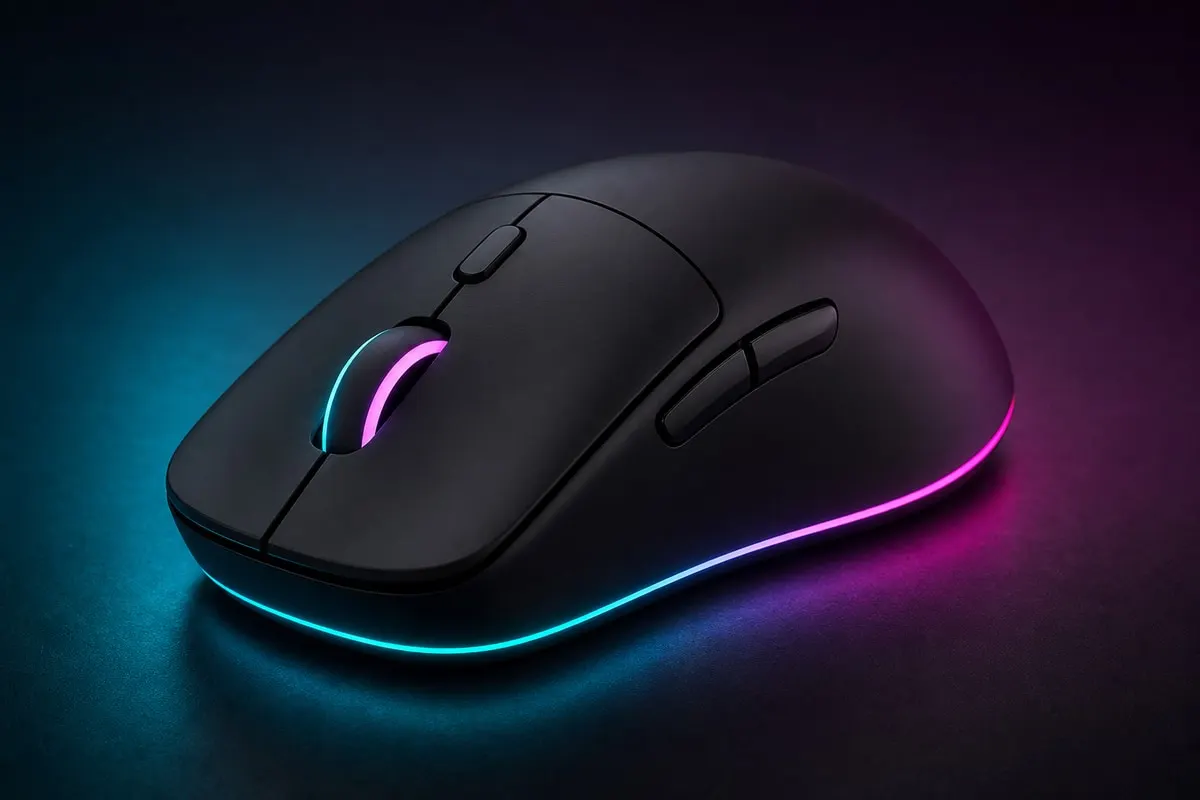
Before
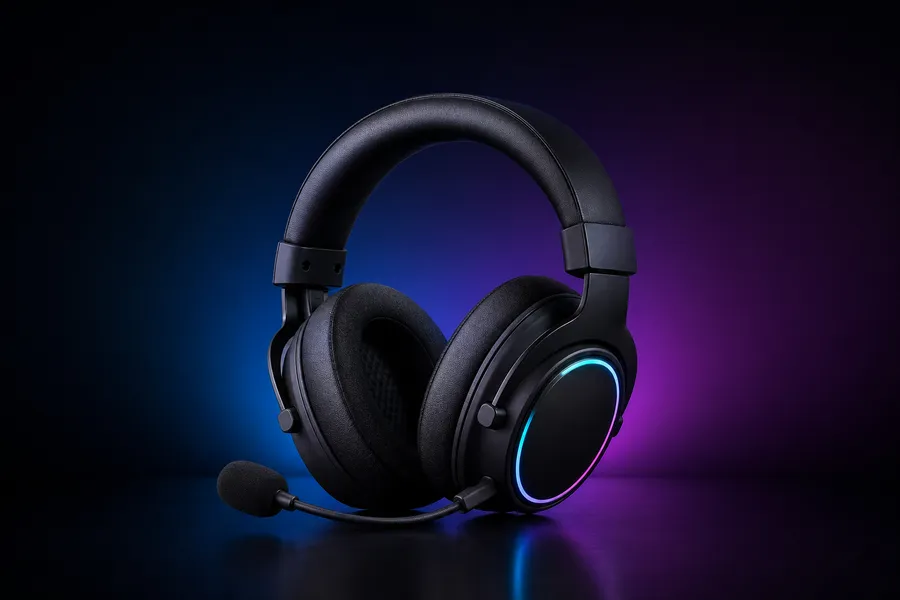
Talon Pro wireless gaming mouse, unoptimized product photo
talon-pro.png ~1.8 MB
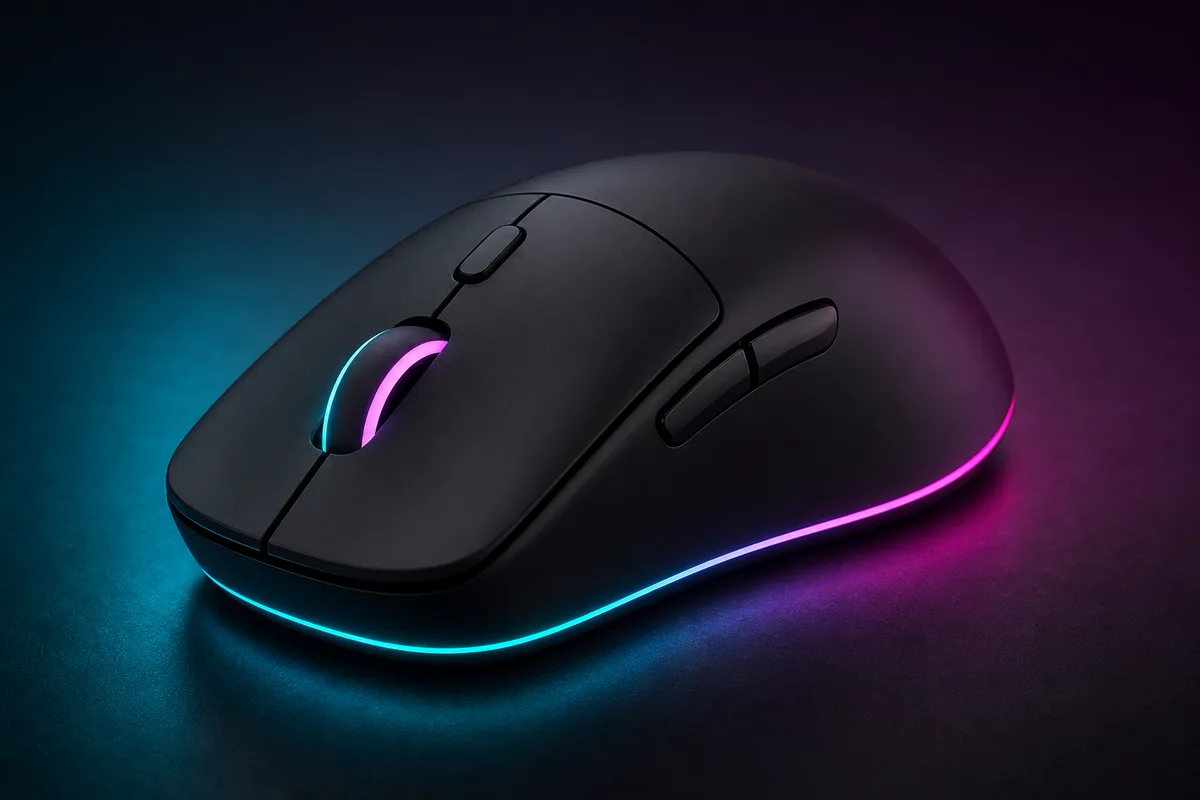
Same image, converted to WebP
After
Talon Pro, same photo optimized to WebP with PixelUnik
talon-pro.webp ~290 KB

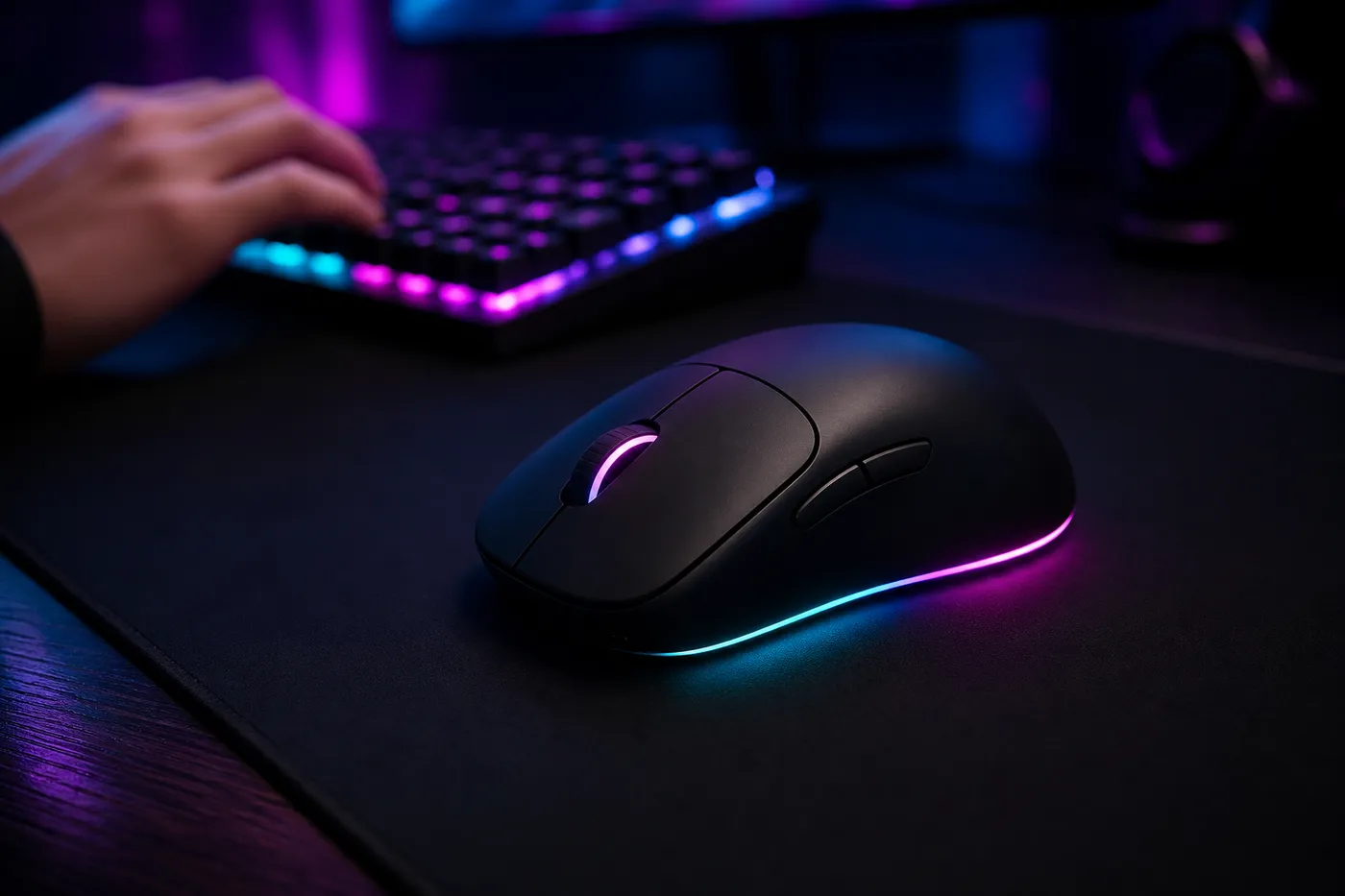
Test store product photo: Talon Pro

Measured on our own test store

We run PixelUnik on the product images of our own Shopify test store: one pass, same visual quality.

WebP Automatic conversion
Control Originals recoverable while subscribed

Internal test store case study, not a third-party merchant review. Numbers measured on our own product imagery.

Your product photos carry no words

Shopify serves images well, but it does not compress what you upload, fix filenames, or clean your library.

Built for Shopify image SEO

Everything below is live. No waitlist for the core workflow.

Smart compression + WebP

Compression and WebP conversion in one pass, with no visible quality loss. We do not promise a percentage: Shopify already serves WebP on delivery, so PixelUnik works where the CDN never goes, on the source files in your library. That is the same work that feeds your image SEO, alongside the alt text and filenames below.

Originals under your control

Lighter files stay on Shopify. Your originals stay recoverable while you subscribe (including Carry‑On), not just a 30-day window.

Image library & bulk jobs

Sync your catalog, filter by size or format, queue bulk optimizations, and track history from a clear dashboard.

AI alt text and SEO filenames

AI writes descriptive alt text from the product photo itself, and turns IMG_4521.jpg into a keyword-rich filename. One image at a time on Starter and Pro, in bulk on Growth.

Shopify‑native install

One‑click App Store install. Automatic product sync. No theme code required to start compressing.

Three steps. No coding.

  1. 01

    Connect your store

    Install PixelUnik from the Shopify App Store and authorize sync.

  2. 02

    Select & optimize

    Pick images or run bulk. Choose WebP, quality, and queue jobs.

  3. 03

    Ship lighter pages

    Optimized files replace heavies on Shopify. Track savings in analytics.

See the workflow

Two minutes from install mindset to real compression results.

Watch demo

Simple usage model

Tokens power each optimization. Pick a plan that matches your catalog size: upgrade when you grow.

1 image optimization ≈ 1 token (typical compression job).

Starter (100/mo) suits small catalogs. Growth (1,500/mo) fits stores adding products weekly.

Slowing down? Our pause plan keeps your unused tokens and your originals, offered in-app when you consider leaving.

Clear plans. No surprise features.

Compression and WebP on every paid plan. Start from the App Store.

Monthly Annual Save 20%

Starter

$9.99 /month

$95.90/year, or $0.26 a day

  • 100 tokens/month
  • Image compression
  • WebP conversion
  • Basic SEO report
  • AI ALT text (one image at a time)
  • SEO file renaming (one image at a time)
  • Email support
  • Originals preserved
Install Starter

Growth

$49.99 /month

$479.90/year, or $1.31 a day

  • 1,500 tokens/month
  • Everything in Pro
  • Auto-optimization
  • Bulk AI ALT text generation
  • Bulk SEO file renaming
  • Chat + priority support
  • Early access to features
  • SEO report + suggestions
Install Growth

Coming next

Shipping after the core optimizer is rock‑solid for merchants.

Questions merchants ask

Will my images look worse?

PixelUnik targets high visual quality with aggressive size cuts. You can adjust quality and always restore originals while subscribed.

What happens if I uninstall?

Optimized images already on Shopify stay. Originals are available during your subscription (including Carry‑On). After cancel, follow our data policy for backups.

Does Shopify already convert to WebP?

Shopify can serve modern formats on the CDN, but it does not shrink your uploaded originals or clean your media library. PixelUnik optimizes the source files you own.

How do tokens work?

Each optimization job consumes tokens from your monthly plan. Unused tokens reset each cycle unless you are on Carry‑On, which keeps unused tokens.

Is AI alt text available now?

Yes, it is live. AI writes the alt text from the product photo itself, and renames files for SEO. One image at a time on Starter and Pro, in bulk on Growth.

Who is PixelUnik for?

Shopify merchants with large product catalogs (fashion, gadgets, home, pets) who want their images described and named for search without typing each one by hand.

Still wondering about something? Read the documentation Measure your own store, free

Ready to lighten your product images?

Install PixelUnik from the Shopify App Store, or leave your email for product updates.